
Download Stick War 3 – strategy game, Android emulator, PC gaming, mobile game, tactical battle, army building
Overview
Stick War 3 is a strategy-based mobile game developed by GameLoop, a studio under Tencent, designed to deliver an immersive tactical battle experience on Windows through its proprietary emulator. The app allows players to enjoy the full Android version of Stick War 3 on their PCs, adapting touch-based controls to mouse and keyboard input for a seamless gaming experience. The game centers on building and commanding a customizable army of stickmen, including archers, swordsmen, and miners, to conquer enemy bases through coordinated offensives.
Each battle requires strategic planning, unit synergy, and real-time decision-making to dismantle the opposing statue and secure victory. The game’s core mechanics emphasize resource management, terrain utilization, and tactical positioning, making it ideal for fans of turn-based and real-time strategy games. While the developer did not provide additional technical details about the game’s backend or server architecture, the integration with GameLoop’s emulator suggests a focus on cross-platform accessibility and performance optimization.
The app is particularly valuable in the mobile gaming ecosystem, bridging the gap between mobile and PC environments. It enables users to enjoy a popular Android title on a larger screen with more precise controls, appealing to both casual players and strategy enthusiasts seeking deeper engagement.
Key Features & Functionality
- Integrated Android Emulator: The GameLoop tool automatically installs a lightweight emulator, eliminating the need for manual setup or third-party software. This allows Stick War 3 to run smoothly on Windows without requiring Android knowledge.
- Mouse and Keyboard Controls: Touch-based mobile mechanics are adapted to PC input, enabling precise targeting, unit selection, and strategy execution using a mouse and keyboard.
- Army Building System: Players can recruit and upgrade various stickman units—archers, swordsmen, miners—each with unique roles in offense and defense, promoting strategic diversity.
- Real-Time Tactical Battles: Online multiplayer matches require dynamic decision-making, including balancing attack and defense, managing resources, and adapting to enemy movements.
- Progressive Campaign Mode: The game features a structured progression system where players advance through stages, unlocking new units and abilities as they defeat enemy bases.
For example, a player might use archers to weaken enemy defenses from a distance while deploying swordsmen to break through front lines, with miners digging tunnels to flank the enemy. The emulator ensures that all game logic and animations remain consistent with the Android version, preserving the original gameplay integrity. This makes the PC version not just a convenience, but a performance-enhanced alternative for players who prefer desktop control precision. The automated installation process ensures that even users without technical experience can start playing immediately. The game’s mechanics encourage long-term engagement through evolving strategies and competitive online play.
Interface, UX & Performance
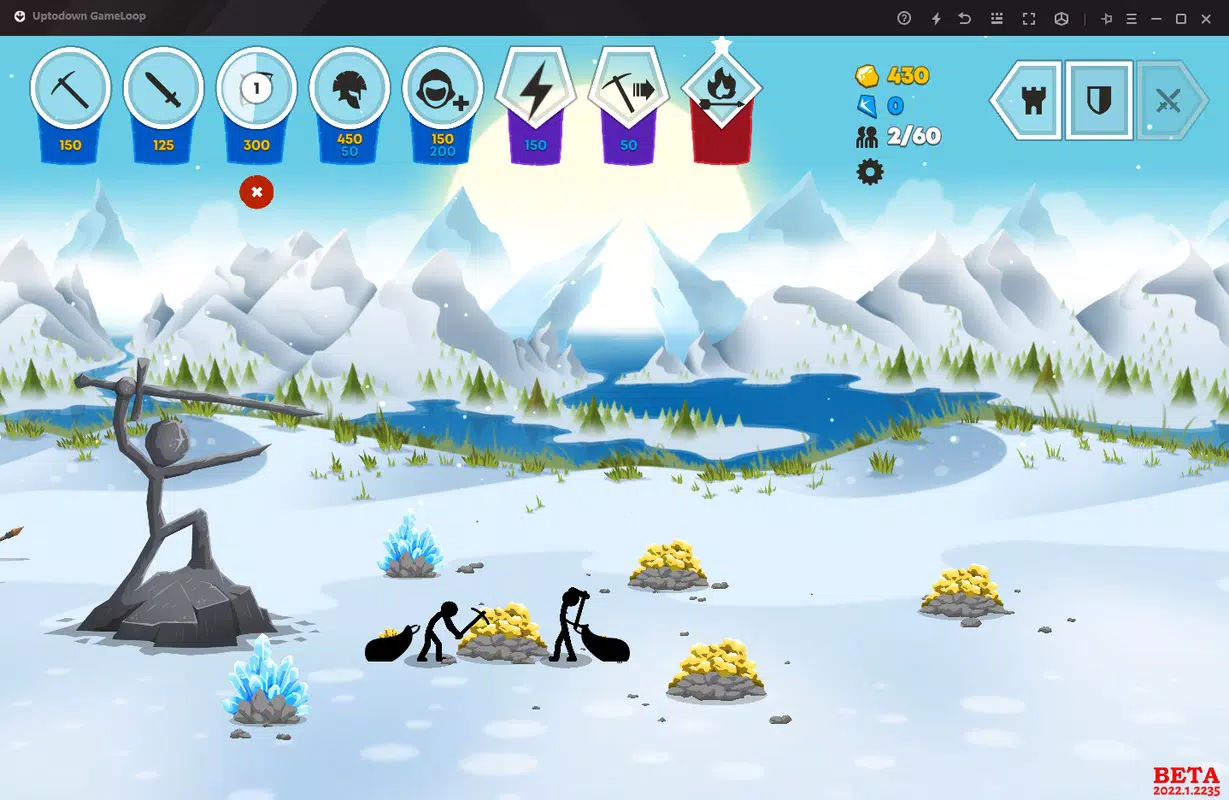
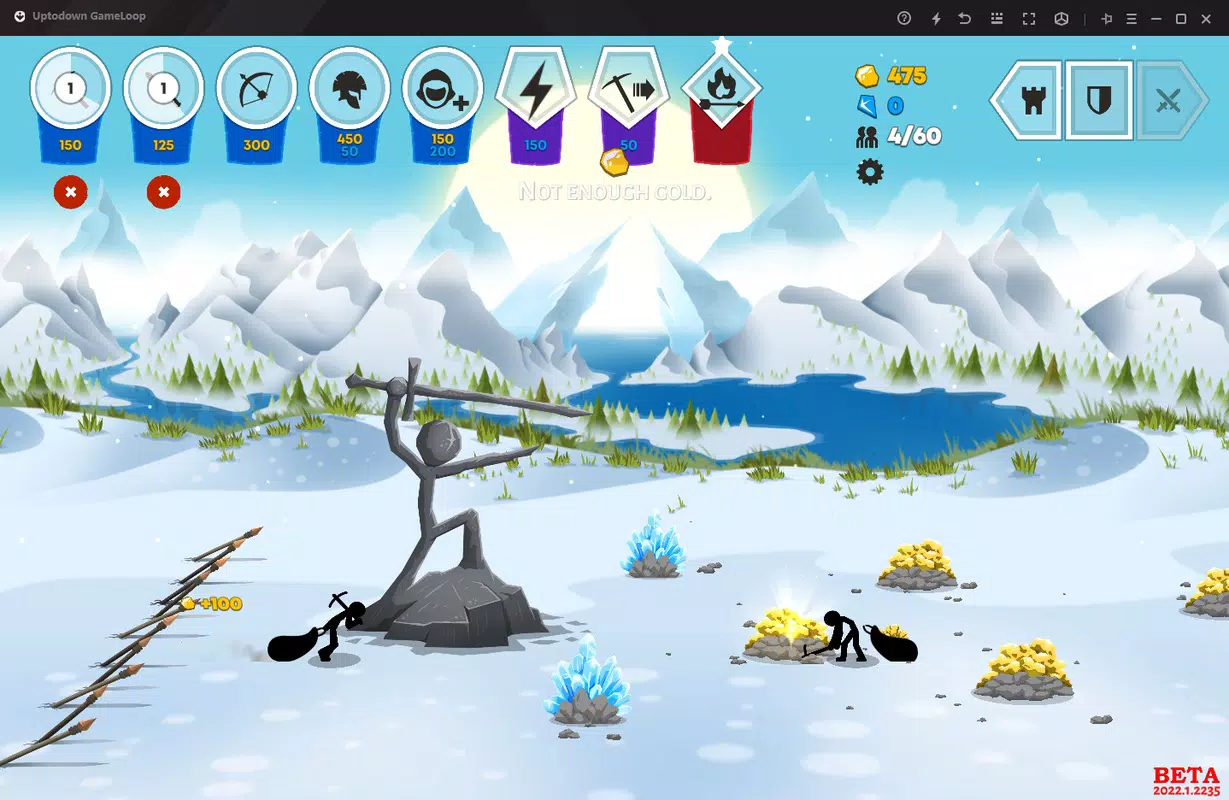
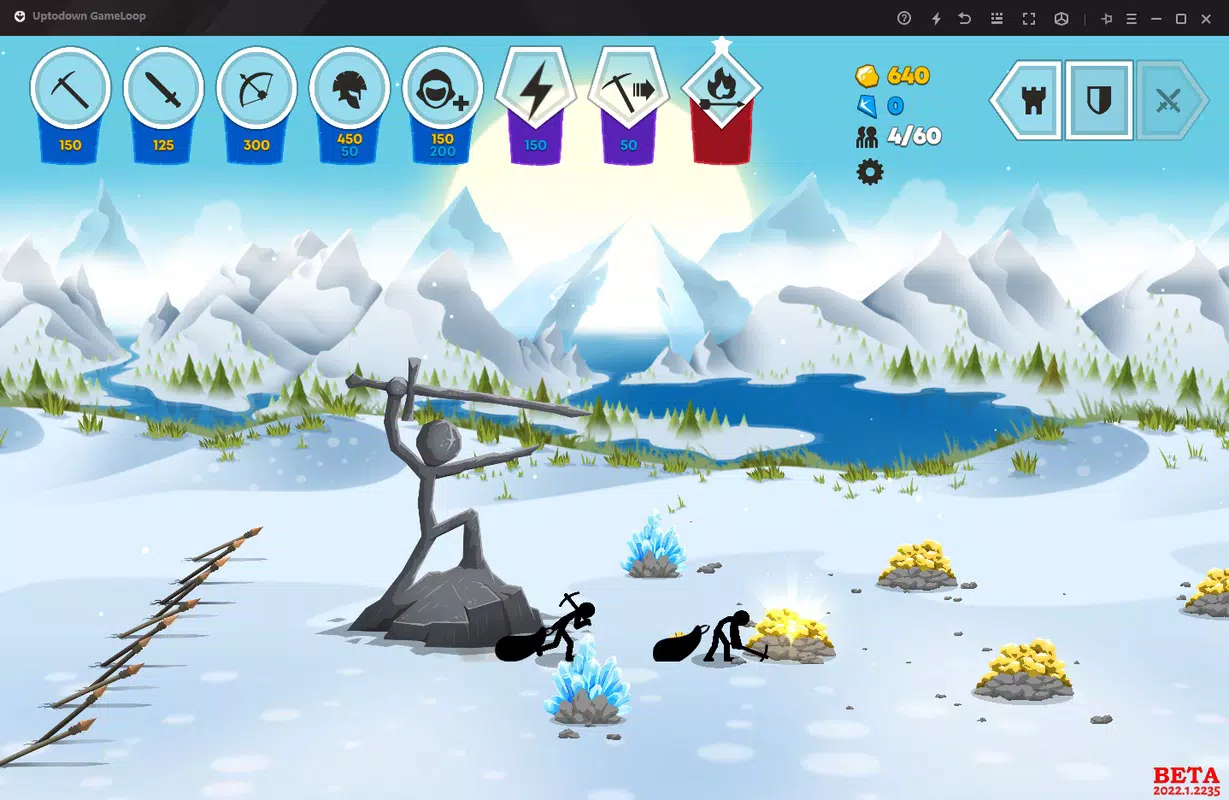
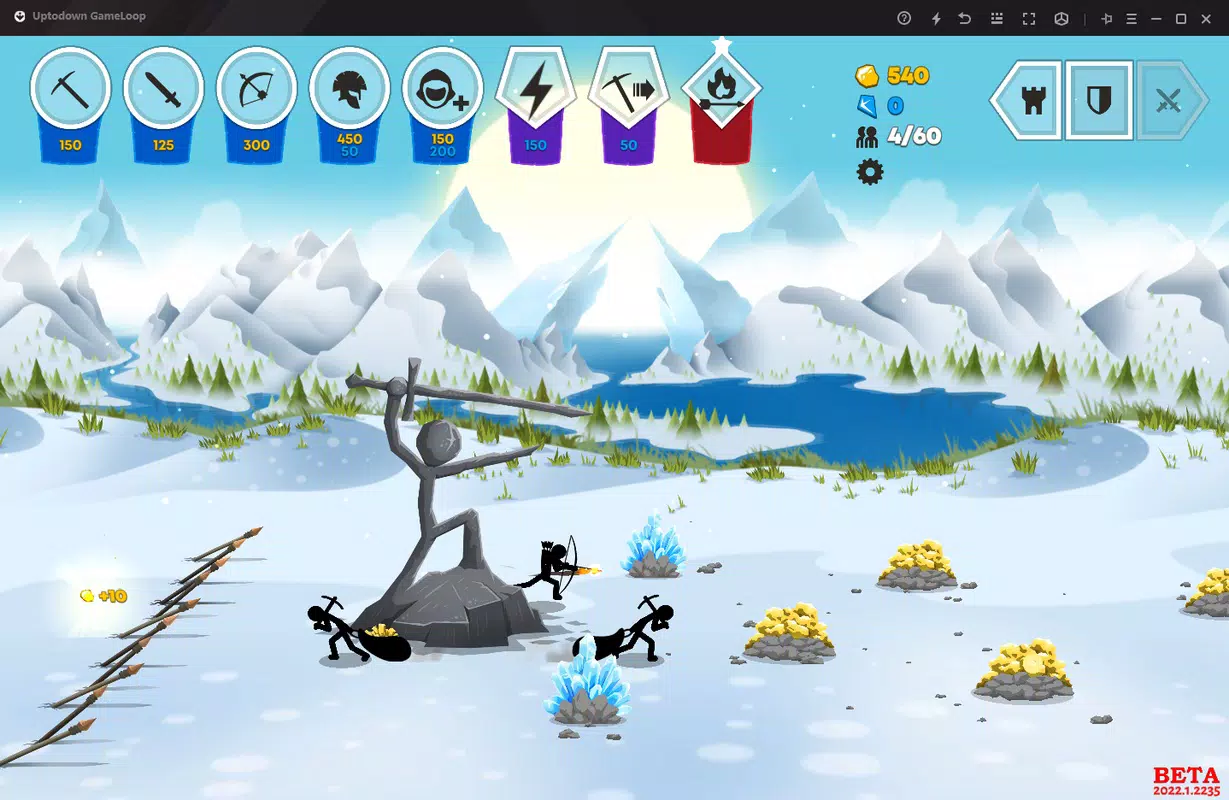
The interface of Stick War 3 on PC maintains the clean, minimalist design of its Android counterpart, featuring a top-down battlefield view with clearly labeled unit icons and control panels. The UI layout is optimized for mouse navigation, with intuitive menus for selecting strategies, managing units, and upgrading abilities. Visual style remains consistent with the original, using bold outlines and simple color coding to differentiate factions and unit types.
Navigation flow is linear and responsive, allowing users to quickly switch between menus, view unit stats, and initiate attacks with minimal clicks. Although the developer did not list formal performance metrics, the app runs efficiently on standard Windows systems, with smooth frame rates and low input lag during battles. The emulator handles graphical rendering and audio processing effectively, ensuring that animations and sound cues remain synchronized with gameplay.
Stability appears reliable, with no reported crashes during extended sessions. The application maintains consistent responsiveness across different screen resolutions and window modes. Users can switch between full-screen and windowed modes without performance degradation.
Overall, the user experience is polished and accessible, especially for those transitioning from mobile to PC gaming.
Platform Compatibility & Technical Requirements
Stick War 3 is available exclusively for Windows, as delivered through the GameLoop platform. The app requires Windows operating systems compatible with the GameLoop emulator, though specific OS versions were not listed by the developer. The file size is 1.8 GB, indicating a substantial installation that includes both the emulator and the game client.
The current software version is 2.2.0, released on May 18, 2023. The developer did not specify minimum system requirements, such as RAM, processor, or GPU specifications. Compatibility information was not fully disclosed, so users should ensure their system meets general PC gaming standards.
The app is distributed as a free download, with no in-app purchases or subscription fees mentioned. The installation process is automated, with the emulator and game bundled into a single executable. This simplifies deployment and reduces the risk of configuration errors.
The absence of detailed technical requirements means users should rely on standard PC gaming benchmarks to assess suitability.
Pros and Cons
Pros
- Free to download and install with no hidden costs.
- Automated setup via integrated emulator eliminates technical barriers.
- Enhanced control precision using mouse and keyboard on PC.
- Full access to the original Android game experience with no content loss.
- Supports online multiplayer and strategic progression.
Cons
- Specific system requirements were not listed by the developer.
- File size is relatively large at 1.8 GB, which may affect storage-heavy devices.
- Only available on Windows; no information on macOS or Linux support.
- Dependent on GameLoop’s ecosystem, which may limit standalone functionality.
- Performance may vary on older or low-end hardware without verified benchmarks.
FAQ
Is Stick War 3 free to play on PC?
Yes, Stick War 3 is available for free download and installation through the GameLoop platform. There are no upfront costs or subscription fees.
Can I play Stick War 3 without an Android device?
Yes, the GameLoop emulator allows you to play Stick War 3 directly on Windows without needing an Android phone or tablet.
Does the app require an internet connection?
Yes, online multiplayer and progress synchronization require a stable internet connection. Offline play is not supported.
Is the GameLoop tool safe to download?
Stick War 3 is distributed through the official GameLoop platform, which is developed by Tencent. It is considered secure when downloaded from verified sources.
How do I update Stick War 3?
Updates are managed automatically through the GameLoop client. When a new version is available, the app will prompt you to update.
Final Thoughts
Stick War 3 delivers a polished and engaging strategy experience on Windows, thanks to the seamless integration of the GameLoop emulator. Its ability to replicate the full Android gameplay with enhanced controls makes it a compelling choice for players seeking a more immersive tactical battle environment. The game’s focus on army building, real-time strategy, and online competition provides lasting value for fans of mobile gaming who want to level up their experience.
While system requirements are not clearly defined, the app’s automated setup and free access lower the barrier to entry. For anyone looking to enjoy a popular mobile strategy game on a larger screen with greater precision, Stick War 3 is a top-tier option. The combination of accessibility, performance, and strategic depth ensures it stands out in the crowded PC gaming space.
Download Stick War 3 now


